Your DingConnect account is your wallet, so you should take every precaution to protect it. 2FA should be enabled for every Administrator and every user that has access to your account.
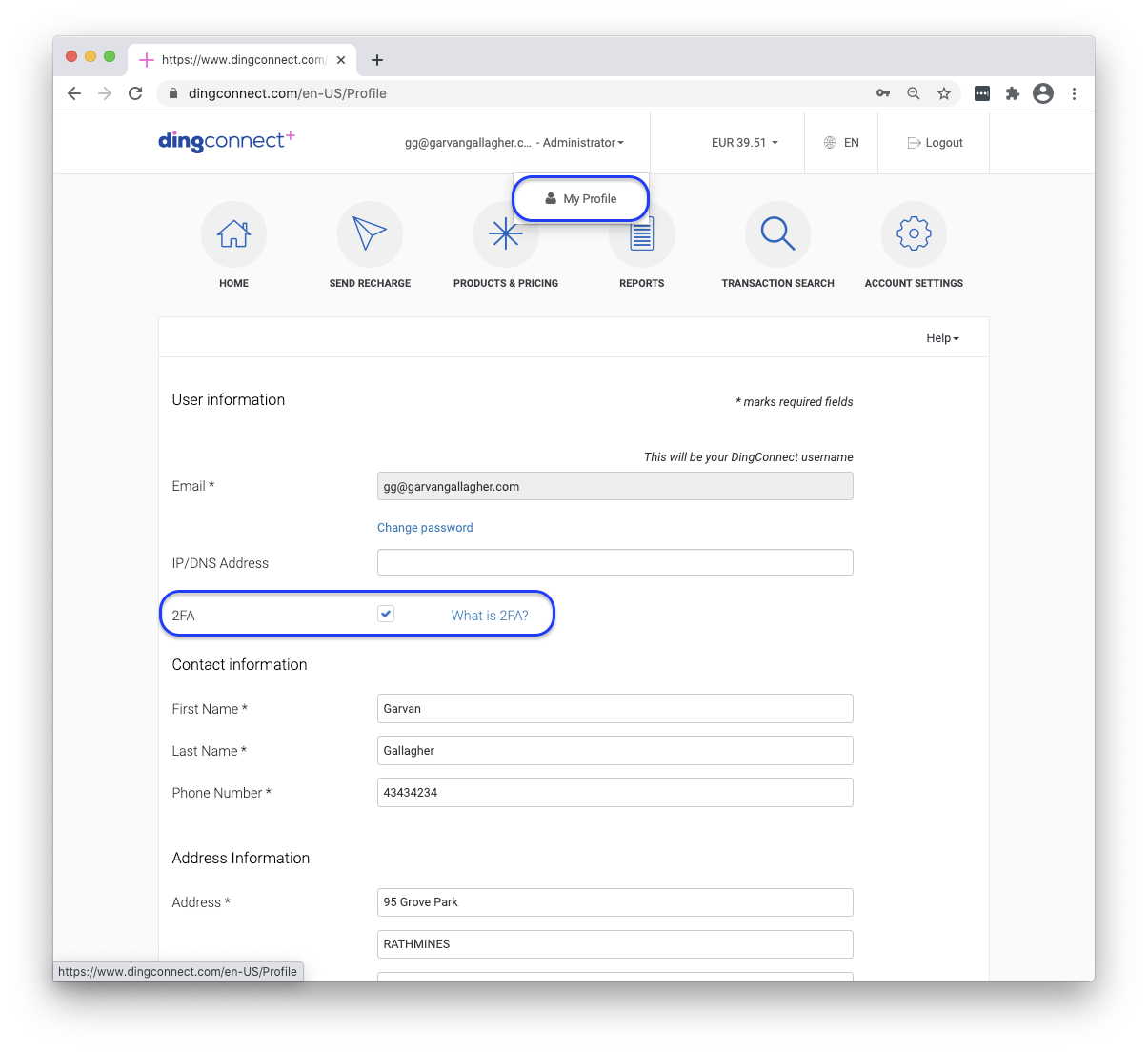
Enabling 2FA can only be done by account Administrators. It is set by default on account registration and can be turned on or off from My Profile.
For other users, Administrators can enable (or disable) 2FA by navigating to Account Settings and editing the user’s profile from the Users tab.
Once 2FA has been enabled, the user should log out and log in again. On next login, the user will be prompted with a screen to capture their country code and mobile number.
A unique one time password (7-digit code) is immediately sent to that number, which must be entered and verified before logging in.
While 2FA is enabled, a code is sent to the number every time that user logs in, unless they select the option to trust the browser for 30 days, in which case, 2FA will be bypassed on that browser for the next 30 days.