Your DingConnect account is your wallet, so you should take every precaution to protect it. 2FA should be enabled for every Administrator and every user that has access to your account.
By releasing our new feature, there are two different ways to authenticate for 2FA before logging in to your Dingconnect account.
- SMS
- Authenticator App
Whenever you are trying to log in to your account for the first time after enabling 2FA, you will see as below:
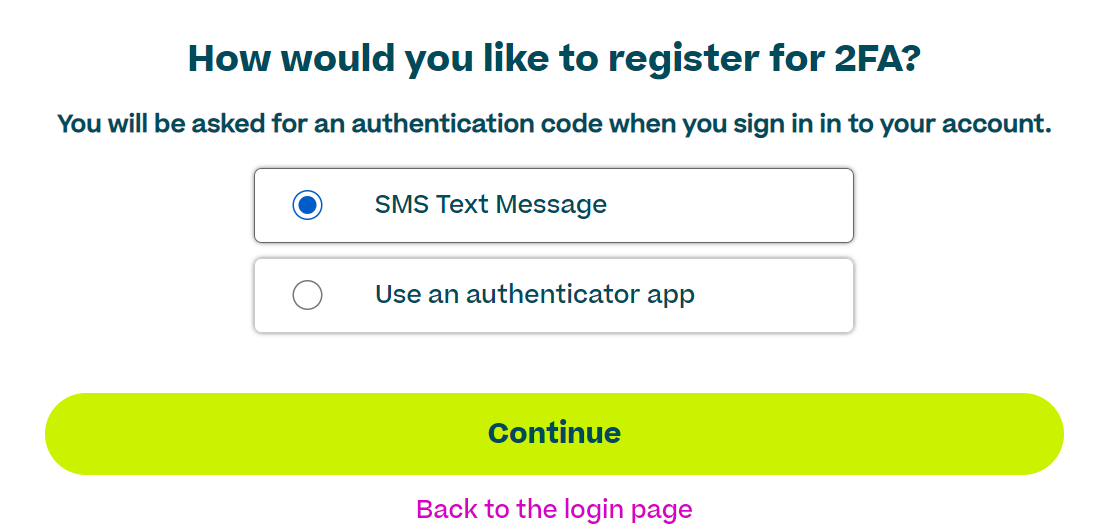
If you select SMS, from now on, you will get a code through SMS every time you log in.
Otherwise, if you select the Authenticator app, you will get a QR code to scan, which will open through an Authenticator app. If you don’t have an authenticator app, you will guide to download any authenticator app. You have to download any app, there are different apps available on the internet as seen below.
..png?width=688&height=215&name=image%20(2).png)
Once the app is installed, you can create an account for DingConnect and from now on, you have to use the code from the app every time you log in.