By ensuring your OAuth credentials or API Keys are whitelisted, you can rest assured only transactions from those IP's will be processed.
We recommend you lock your OAuth credentials or API key to certain IP addresses, DNS, subnet or fully qualified domain names. You can do this by editing the API key or OAuth client – ensuring each entry is separated by a comma.
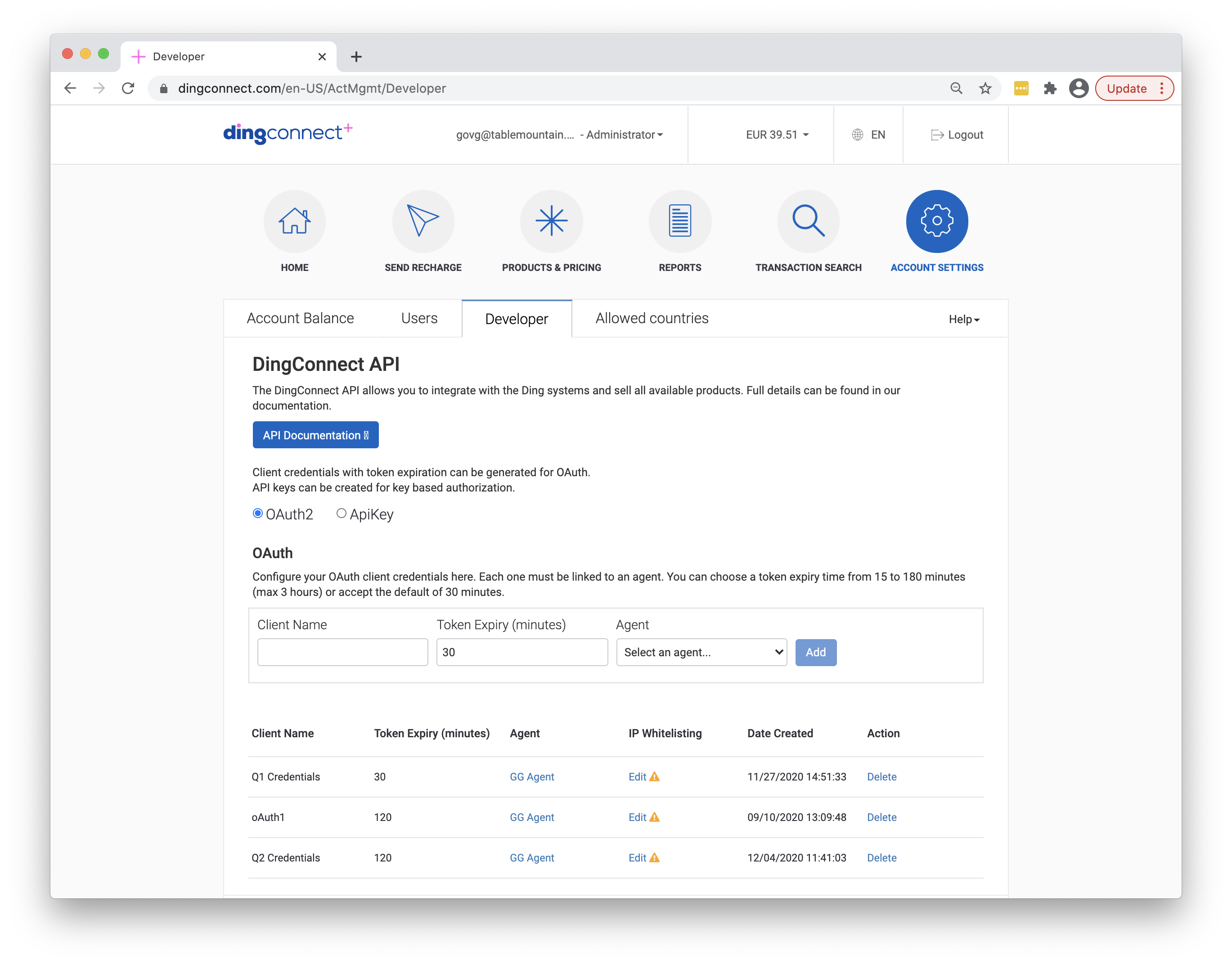
Navigate to Account Settings and then click on the Developer tab.
The list of API credentials are listed in a table (for OAuth and API Key). Each entry can be edited by clicking on Edit (under IP Whitelisting) to add the comma separated list of IP addresses, subnets or fully qualified domain names.
Once you save, transactions will only be processed using that API authorisation method, if the origin is from the listed IP's.