Whether you're using OAuth or API Keys, you can access them from the Developer tab.
API credentials can be in the form of a client id and secret (if using OAuth) or an API key.
We highly recommend OAuth be used as the authorisation framework for any new API integrations. API Keys are used by partners who have integrated with DingConnect prior to 2020.
OAuth will provide an extra layer of security by sending a time-limited token with each request as opposed to sending the API Key. Once the token expires, a new token is automatically requested.
To generate an API Key or OAuth credentials, you should go to the Developer tab in Account Settings.
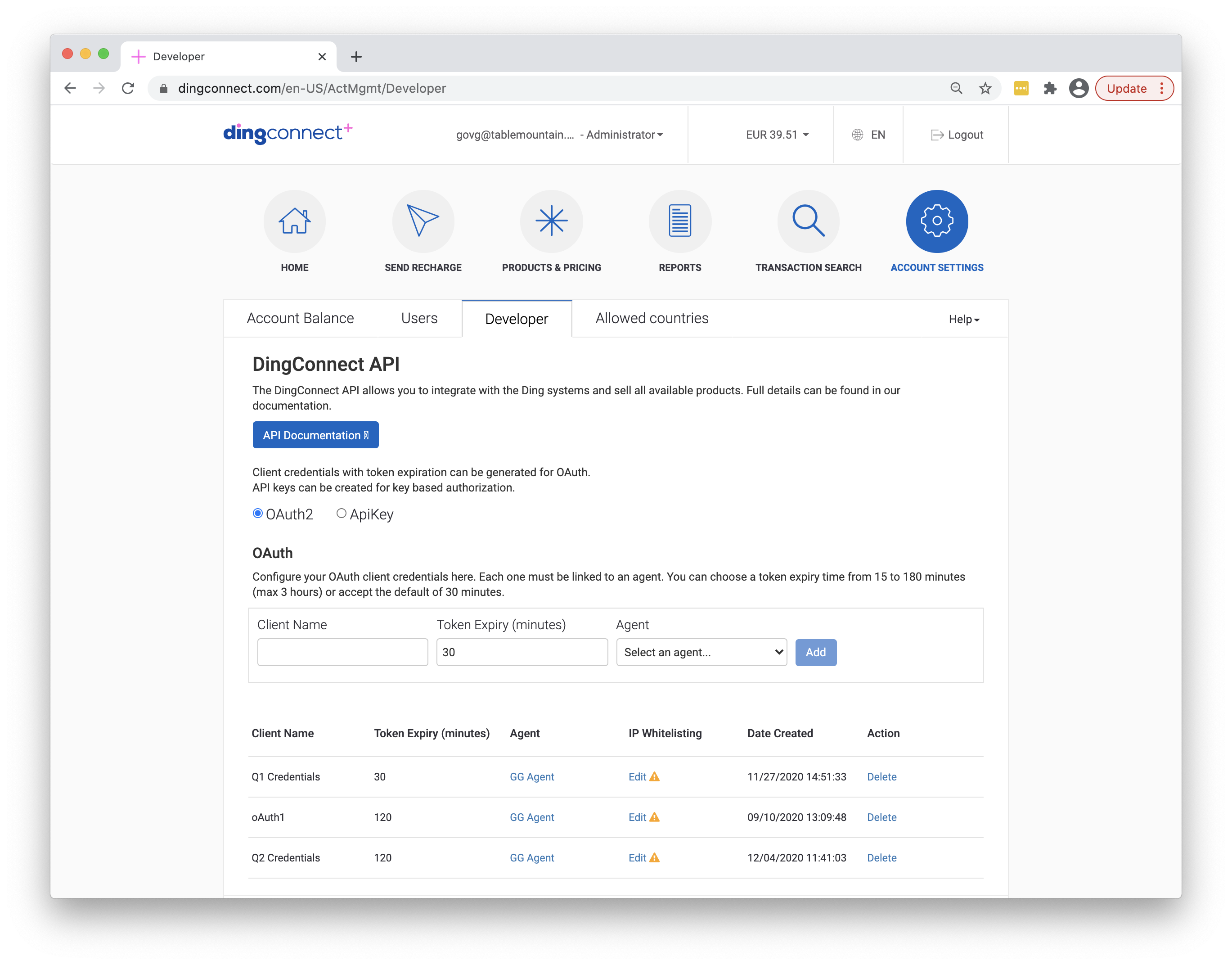
Enter a name for the credentials so you can identify it later. The credentials must be associated with an agent. A default agent is set up when you create a DingConnect account, which will be selected by default.
Once created, the credentials can be copied to clipboard and secured. API credentials can never be accessed again through the portal. It’s important that you keep these keys secure at all times.